Researchers at ANY.RUN tracked a phishing campaign they call CSuite across 351 sandbox analyses, and just over half of those submissions came from the United States. The campaign does two things at once: it steals active Microsoft 365 sessions, and it installs legitimate remote monitoring and management software such as ScreenConnect and Action1 on the victim's machine. Original reporting for this article comes from The Hacker News.
51% of CSuite-related sandbox submissions came from the United States, with India accounting for 18% and further activity seen in the Philippines, Australia, the United Kingdom, and Canada.
The lures are ordinary business documents. Operators build pages branded as Adobe, DocuSign, Zoom, Google Meet, Dropbox, and Microsoft 365, including a forged DocuSign envelope sent in the name of a law firm. If your staff sign documents electronically as part of normal work, these pages look like a Tuesday.
Session theft is the part worth explaining to non-technical leadership. Credential-harvesting and device-code phishing flows capture the active session, meaning the attacker inherits a mailbox that is already logged in. A password reset alone does not evict someone holding a live session token.
The second path is quieter. In one sandbox run, an Adobe-themed lure delivered a BAT file that elevated privileges and installed ScreenConnect. Because ScreenConnect and Action1 are real management products that IT departments buy and use, their presence on an endpoint does not automatically look like an intrusion, which is exactly why attackers pick them.
Exposure concentrated in technology, manufacturing, government and administration, and consulting organizations. The campaign name points at executive and finance-adjacent targeting, though the source data confirms sector concentration rather than specific job titles.
The practical consequence for your firm is scope. A single successful phish can hand attackers both a business mailbox and a foothold on the employee's device, so what starts as one suspicious email becomes two separate compromises to unwind.
From Phishing Page to Session Hijack: How the Attack Chain Works
The chain starts with a lure page that looks like an ordinary business document request. ANY.RUN's analysts found one forged signature-request envelope sent in the name of a law firm, which is the kind of pretext that gets opened by finance and legal staff without much hesitation.
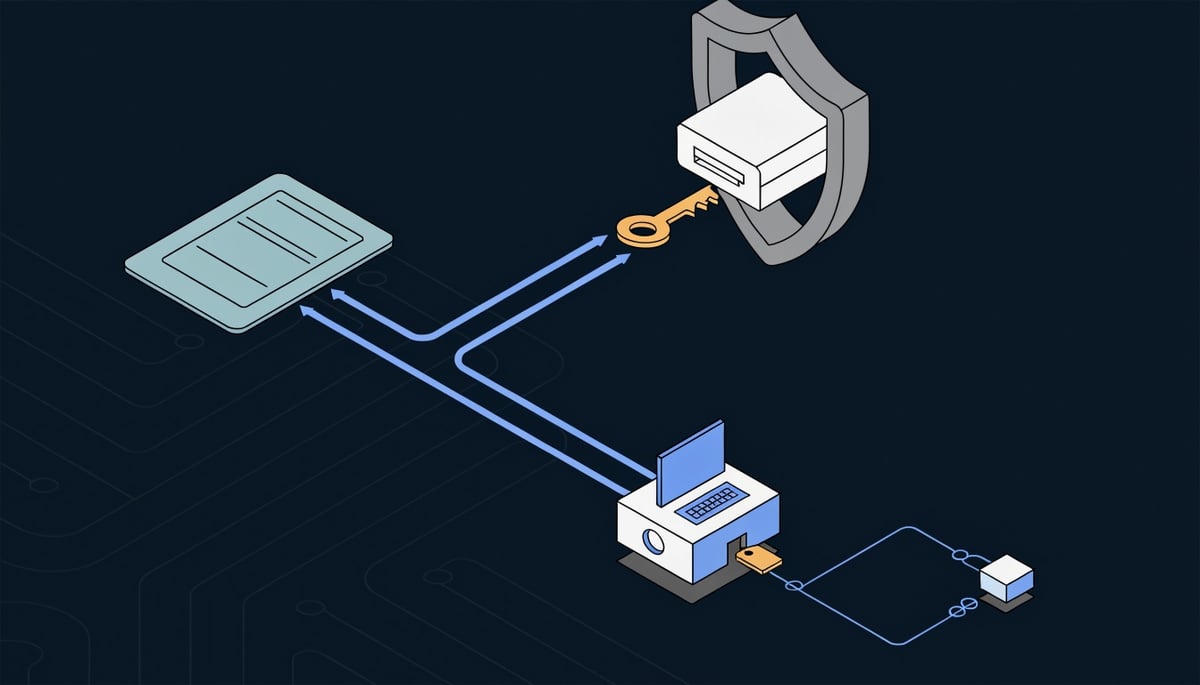
From that page the operation splits. One branch delivers a payload: an installer, an archive, or a lightweight BAT or VBS dropper. The other branch stays in the browser and pushes the victim into credential harvesting or a device-code flow aimed at Microsoft 365.
The device-code path is the one that matters for identity. In a device-code flow, the user is shown a short code and asked to enter it at a legitimate Microsoft sign-in page. The victim authenticates for real, completes MFA for real, and the attacker's waiting client collects the resulting tokens. Nothing about that sequence looks like a failed password attempt, because no password was ever guessed.
That is why session theft cuts through multi-factor authentication. MFA validates the moment of sign-in. The access and refresh tokens issued afterward represent an already-trusted session, so replaying them produces authenticated mailbox and Graph API access without a second prompt. Conditional access policies keyed to device compliance or location only re-evaluate at defined points, which means a stolen token can be used from attacker infrastructure and still present as a valid session to your tenant.
In ATT&CK terms the identity branch maps to T1566 (Phishing) into T1539 (Steal Web Session Cookie), with the endpoint branch running T1059 script execution into T1219 (Remote Access Software).
On the endpoint side, ANY.RUN observed a lure that delivered a BAT file, elevated privileges, and installed ScreenConnect. Sandbox reconstruction of the same chain surfaced redirects, in-browser JavaScript behavior, outbound network requests, PowerShell execution, payload delivery, and the RMM install as a single sequence.
RMM abuse works because the tooling is genuine. ScreenConnect and Action1 ship as vendor-signed binaries, register themselves as Windows services the way any legitimate deployment would, and call home to vendor-operated cloud infrastructure that many organizations already allow through egress filtering. Antivirus engines generally do not flag them, since the software is not malicious by nature. For the business, that means remote control of an employee workstation can persist quietly after the phishing email itself has been deleted and reported.
One concrete, reported artifact came out of the browser side of the investigation. Researchers found a reference to /m/js/utils.js imported inside a CSuite lure page rendered as a PDF viewer, and that recurring path held up well enough to pivot on across further sandbox analyses using the query url:"/m/js/utils.js$".
Beyond that path and the two RMM product names, the remaining indicators are generic to this class of attack rather than specific findings ANY.RUN published. Expect the usual token-theft tells: sign-ins from unfamiliar ASNs reusing a session issued elsewhere, new mailbox rules that file replies into obscure folders, and OAuth grants the user does not remember approving. On the host, RMM agents announce themselves through a new service and a persistent outbound session to the vendor's relay.
The combination is what widens the incident. An attacker holding both a live mailbox session and an installed remote-access agent can read payment threads while retaining a foothold on the device that reads them.
Business Consequences of a Hijacked Executive Mailbox
An attacker holding a live session token for an executive mailbox reads everything that mailbox reads. That includes the payment threads, contract drafts, and internal discussions that finance and legal staff treat as authoritative. ANY.RUN lists mailbox takeover and financial fraud among the direct outcomes of a CSuite compromise, and the mechanism is straightforward: the attacker watches real correspondence and then writes into it.
They see the supplier you already pay, the amount you already owe, and the tone your controller already uses. A message asking to update remittance details lands mid-thread from the correct sender, and your accounts payable team approves it because every prior signal checks out. Money leaves under a legitimate approval, which means your bank has limited grounds to reverse it and your insurer will ask what controls failed.
Key Insight: Invoice manipulation works because the attacker does not need to invent anything.
The content sitting in a senior mailbox carries separate value. Board packs, acquisition discussions, legal opinions, and HR matters accumulate in sent items and attachments, and none of that requires additional exploitation to read. If your organization is mid-transaction or in litigation, exposure of that correspondence changes your negotiating position and may trigger disclosure obligations to counterparties.
Impersonation extends the damage outward. ANY.RUN notes that compromised accounts get used to target colleagues, partners, and customers from a trusted identity. Your tenant becomes the sending infrastructure for the next wave of lures, so your customers receive phishing from your real domain with your real authentication records passing. Explaining that to a client whose staff clicked is a conversation that tends to reach your commercial relationship.
The persistence problem is what separates this from a routine credential incident. Where the campaign installed a remote management agent on the endpoint, resetting the account password does not remove the attacker. The agent maintains its own outbound connection and, in the observed case, was installed after a script elevated privileges. Your identity remediation and your endpoint remediation are two separate jobs, and closing only one leaves a working path back in.
Practical consequences you should plan around:
- Dual containment scope. ANY.RUN points out that teams may need to contain stolen sessions and compromised endpoints at the same time, which raises the effort and the disruption for your business units.
- Forensic review across the tenant. Once a session is confirmed stolen, you cannot scope the incident to one mailbox. Determining what was read, forwarded, or downloaded means reviewing sign-in and audit data across the environment.
- Regulated content exposure. Executive mailboxes hold employee records, customer personal data, and sector-specific material. Where personal data is involved, GDPR notification timelines and sector rules apply based on what the attacker could access, not only what you can prove they took.
- Third-party notification. Suppliers and clients whose data or payment instructions passed through the mailbox generally need to be told, which extends the incident beyond your own reporting duties.
The exposed sectors here are technology, manufacturing, government and administration, and consulting, all of which run on supplier payment chains and client correspondence. A single compromised senior account in those environments touches money movement, sensitive documents, and external trust relationships at the same time.
Detecting ScreenConnect and Action1 Abuse in Your Environment
Start with token revocation. If you suspect an account was phished, resetting the password alone leaves the attacker's stolen session alive, so revoke all refresh tokens for that user in Entra ID and force reauthentication on every registered device. Do that before you start the forensic work, because the session is the access path.
Then inventory every ScreenConnect and Action1 installation across your estate and match each one against your approved IT tooling list. Pay attention to install timestamps. An agent that appeared on a finance workstation the same afternoon someone opened a signature-request email is your incident, and the machine account it runs under tells you what the attacker could reach next.
Work the identity side in parallel. Pull sign-in logs for the affected accounts and look for the same session token presenting from two geographies, sign-ins from hosting-provider IP ranges your staff never use, and successful authentications that show no corresponding MFA challenge.
Three mailbox checks belong in the same hour of work:
- Inbox rules that move messages containing words like "invoice", "wire", "payment", or "remittance" into Archive, RSS Feeds, or Deleted Items.
- Forwarding addresses, both user-set and admin-set, including forwarding configured at the transport rule level rather than on the mailbox.
- Recently consented OAuth applications, since a granted app permission keeps reading mail after you revoke sessions and rotate credentials.
For hunting across your own web and proxy logs, the artifact ANY.RUN's researchers pivoted on is useful to you directly. Their lure pages repeatedly imported a JavaScript file at the same location, and the query url:"/m/js/utils.js$" surfaced related sandbox activity. Search your outbound web traffic for requests ending in that path and you have a list of users who reached a lure page, whether or not they typed anything into it.
On the prevention side, application control is the highest-value change you can make this week. Block execution of unapproved remote-access binaries and block the corresponding vendor domains at your web filter, so a BAT or VBS dropper that elevates and then pulls down an installer fails at the download stage. Keep an allowlist of the remote tools your IT team actually uses and alert on anything outside it, because the attack works precisely by installing software that is legitimate and signed.
Harden the identity layer for the roles worth impersonating. Enforce phishing-resistant MFA (FIDO2 security keys or certificate-based authentication) for executives, finance approvers, and global admins, since these methods do not produce a code an attacker can relay or a prompt a user can approve by mistake. Apply conditional access policies that require a compliant, managed device, turn on token protection where your licensing supports it, and shorten session lifetimes for privileged roles so a stolen token expires in hours instead of weeks.
Finally, write the session-revocation runbook down and practice it. Your team should be able to revoke tokens, disable OAuth grants, isolate an endpoint, and remove an unauthorized remote-access agent as one coordinated sequence, because containing the mailbox while the endpoint stays connected gives the attacker a route back in. Test the sequence against a volunteer account before you need it against a real one.
Priorities for Response
The pattern behind this campaign is short: a business-themed lure, a browser flow that captures a live Microsoft 365 session, and a script path that drops a signed remote management agent on the same user's machine. Either half alone is a bad day. Together they mean your identity provider and your endpoint estate are both holding attacker access at the same time.
The takeaway for your response planning is that a suspected Microsoft 365 compromise in this campaign is not an email problem with an email-sized answer. If your playbook ends when the password is changed and the malicious sender is blocked, you close the case while the stolen session and the installed agent are both still working. The scope of the incident has to include the endpoint from the first hour, even when the only evidence you have is a phishing click.
That framing also changes who owns the case. Identity and endpoint teams that normally work separate queues need to be looking at the same timeline, because the sequence only makes sense when browser activity, script execution, and agent installation sit next to each other.
Expect the tooling side to keep shifting. The operators here chose two widely deployed management products precisely because they are legitimate, code-signed, and common in corporate environments, and that logic applies equally to every other remote monitoring product on the market. Your allowlist of approved remote-access tooling is the thing that ages fastest here, so keep it current as new products enter your environment through acquisitions, contractors, and managed service providers.