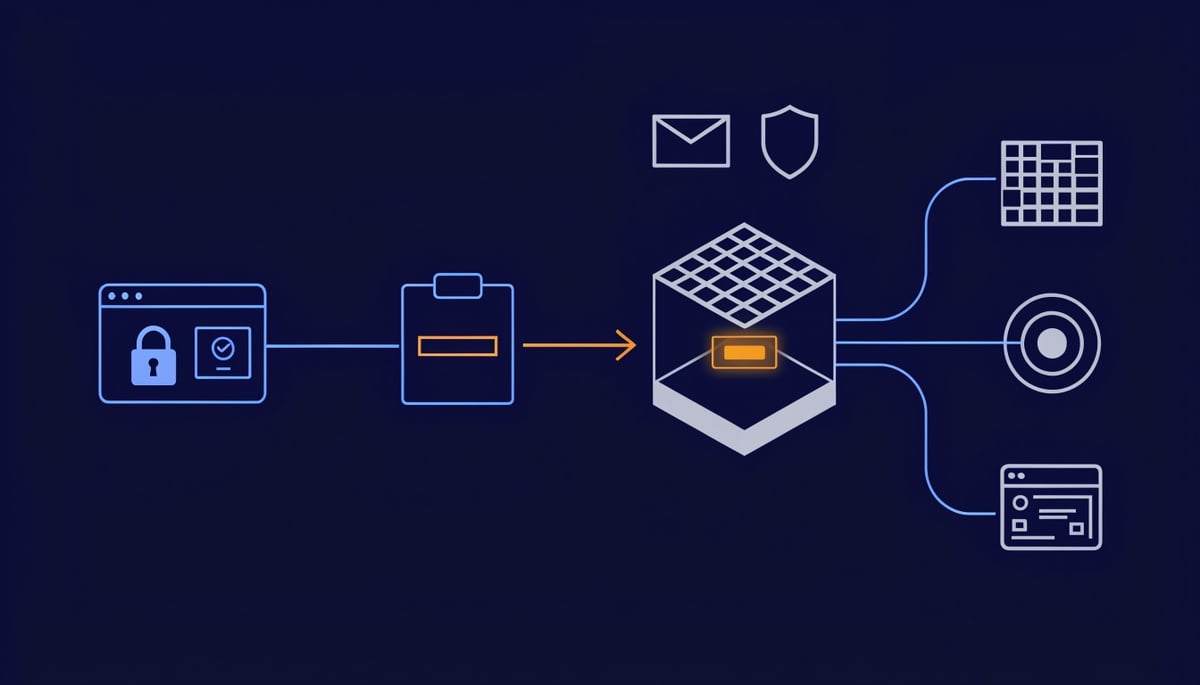
Huntress has added Attack Reduction to its Managed Endpoint Security Policy Manager (ESPM), a capability that turns off Windows features most employees never use but attackers depend on. The first control blocks the Windows key + R shortcut, which opens the Run dialog, for users who have no history of using it. Original reporting for this article comes from Huntress.
That shortcut is the hinge of ClickFix, a social engineering technique that convinces people to run malicious commands themselves. The page quietly copies a PowerShell command to the clipboard and walks the victim through pressing Windows key + R, Ctrl + V, and Enter.
Key Insight: The lure varies: a fake CAPTCHA asking you to complete "verification steps," a fake Windows Update screen, a bogus browser or Docker prompt, a compromised small-business website, and more recently malicious AI chatbots.
Nothing is exploited. There is no vulnerable software, no malicious attachment, and no payload crossing your mail gateway. The user types the attack in by hand, which is why email filtering and perimeter controls frequently never see it at all. In one case documented by Huntress, an employee hit the sequence on what looked like a legitimate spa website on a normal domain with valid HTTPS and no Chrome warnings.
Where the chain completes, the pasted command downloads and runs a file that sets persistence through a registry key, installs a remote access trojan, and steals saved browser passwords, cookies, and credit card data. Beyond the Run dialog, attackers also direct victims into Command Prompt (cmd.exe), interactive PowerShell, Windows Terminal, the File Explorer address bar, and HTML applications run through mshta.
Huntress links ClickFix and fake CAPTCHA scams to over half of all malware loader activity in its 2026 Cyber Threat Report, and ClickFix-style Run dialog attacks now account for 31% of EDR SOC signals.
For firms relying on managed detection, that figure describes a large share of investigation volume originating from a feature the workforce does not use.
The ClickFix Execution Chain: From Clipboard to PowerShell
The chain starts before the user touches a key. The lure page runs JavaScript that writes an attacker-controlled command to the clipboard, usually tied to the same click that "starts" the verification. Nothing is downloaded at that point, and nothing is executed, which is why the page passes a casual look at the address bar and the padlock.
The instructions then do the work that an exploit would normally do. Press and hold Windows key + R, press Ctrl + V, press Enter. The user supplies the execution, so there is no vulnerability to patch and no unsigned binary to block at the perimeter. MITRE tracks this as T1204.004, User Execution: Malicious Copy and Paste, and it is one of the few initial access paths where the victim's own hands are the delivery mechanism.
What lands in the clipboard is written to survive a glance. Common patterns include a long run of spaces or non-printing characters in front of the real payload, so the visible portion of the text in a single-line input box shows something harmless while the actual command scrolls out of view. Operators also pad the front with decoy text framed as a "verification ID" or ticket number.
The command itself typically invokes powershell.exe with flags that suppress anything the user might notice:
-w hidden(or-WindowStyle Hidden) so no console window appears on screen-nopto skip the user's PowerShell profile and any logging or aliasing it contains-EncodedCommandwith a base64 blob, which hides the download URL and the rest of the logic from anyone reading the linemshta.exepointed at a remote HTA file, which pulls script content from the internet using a signed Microsoft binary
The shape is the same across variants. A trusted Windows interpreter reaches out to an attacker server and runs whatever comes back, so the first stage leaves little on disk to scan.
The parent-child relationship is where this stops blending in. The Run dialog is hosted by explorer.exe, so anything typed into it is spawned as a child of Explorer. In normal business use, explorer.exe spawning powershell.exe, cmd.exe, or mshta.exe with network-facing arguments is abnormal. Legitimate scripted activity almost always descends from a scheduler, a management agent, a logon script, or an application process, which is why that single parent-child pair carries so much weight when you are reconstructing how a host was compromised.
From there the chain follows the sequence Huntress documented in the airport spa case. The command downloads and runs a file from the internet. That file writes a registry key for persistence (T1547.001), installs a remote access trojan, and strips the browser's saved passwords, cookies, and credit card details (T1555.003). Stolen session cookies matter as much as the passwords, because a valid cookie lets an attacker resume an authenticated session to your email or SaaS tenant without ever facing an MFA prompt.
Loaders behave the same way at this stage, staging second-stage payloads once the host checks in. The Huntress 2026 Cyber Threat Report linked ClickFix and fake CAPTCHA activity to over half of all malware loader activity, which places this technique at the front of a large share of intrusions rather than at the end of one.
The Run dialog is one entry point among several. Attackers already redirect victims to paste the same clipboard contents into File Explorer's address bar, Windows Terminal, Command Prompt, or an interactive PowerShell window. The interpreter changes, the encoded command does not.
Why User-Executed Attacks Bypass Conventional Controls
The attack never produces the artifacts your security stack was built to inspect. There is no attachment for your email gateway to detonate, no exploit for your patching program to close, and no unsigned binary for your endpoint controls to flag. The user types the command, and Windows runs it exactly as designed.
That matters for every preventive control you own. Application allowlisting approves PowerShell, cmd.exe, and mshta because they are signed Microsoft components shipped on every endpoint you manage. Your web gateway sees a site on a normal domain, served over HTTPS, with no browser warning, because attackers frequently use compromised small-business websites that already carry legitimate reputation and category history.
So the question stops being "did something malicious get in" and becomes "did one of your people follow instructions." That is a very different detection problem, and it sits outside the controls most organizations budget for.
The payload end of this is routine and well documented. The downloaded file sets persistence through a registry key, installs a remote access trojan, and pulls saved passwords, cookies, and credit card details out of the browser. Each of those three outcomes creates a separate line of operational cost for you.
- Stolen browser credentials give attackers working logins to your SaaS platforms, VPN, and admin consoles. Those sessions look legitimate in your logs because they are legitimate.
- Stolen session cookies let an attacker resume an already-authenticated session, which sidesteps the MFA prompt your users completed earlier in the day.
- The remote access trojan survives reboots through that registry entry and gives hands-on-keyboard access for reconnaissance, lateral movement, and ransomware staging over days or weeks.
Compliance consequences follow the same path. If the compromised endpoint holds client files, health records, or payment data, your reporting obligations attach to the credential theft itself, not to whether an encryption event ever happens. You end up doing forensic scoping, password resets across every integrated service, and customer notification for an incident that started with three keystrokes.
Awareness training helps, and it has a real ceiling here. The instruction does not arrive as a suspicious email from an unknown sender. It appears inside the site your employee deliberately navigated to, framed as a verification step from the system they were already using. Cautious people comply because nothing in the experience matches the pattern they were trained to distrust.
Your most security-aware staff are not exempt. A security company's own employee encountered one of these pages and recognized it only after reading the steps closely, which tells you how little margin there is between compliance and a compromised laptop. Training moves the odds, and it does not move them to zero across every employee, every day, on every device.
For a decision-maker, the useful framing is about where you place the dependency. Relying on recognition means every user has to make the correct judgment every time, under time pressure, often on a personal errand during work hours. A technical control that prevents the paste-and-run behavior removes the judgment call entirely, and its failure rate does not vary with how tired or distracted your staff happen to be. That is the comparison worth putting in front of your leadership when you discuss what this class of attack costs you.
Hardening Against Paste-and-Run Execution
Start with the baseline, not the block. Once ESPM is collecting Run dialog history, the Attack Reduction dashboard shows you which users actually rely on the Run dialog and which have never opened it, per organization or across your whole account. Review that list before you change anything, because the operational risk here is breaking an admin's workflow, not blocking the people who have no history of using the feature at all.
Here is the order to work in, mapped to the NIST Cybersecurity Framework functions.
Identify
Pull the usage baseline and sort your users into two groups: the small set of IT and power users who type into the Run dialog regularly, and everyone else. Also review the dashboard entries flagged as ClickFix-looking commands in a user's Run history. Windows does not record when those commands ran, so treat a flagged entry as a reason to interview the user and check the endpoint, not as confirmation of compromise.
Protect
Turn on blocking at the account or organization level once your baseline is clean, and keep the exception list to named individuals you can justify. You can move any user between allowed and blocked later, so there is no need to carve out whole departments as a precaution.
- Verify coverage across every endpoint, including laptops that have been offline during the baseline window.
- Restrict
mshta.exefor users with no business need, which closes the HTML application path attackers use when the Run dialog is unavailable. - Apply Windows Attack Surface Reduction rules that stop Office, script, and email applications from launching child processes.
- Where you can enforce it, run PowerShell in Constrained Language Mode for standard users and back it with WDAC or AppLocker rules covering script hosts.
Detect
Blocking the Run dialog does not cover File Explorer's address bar, Windows Terminal, Command Prompt, or interactive PowerShell, and attackers already redirect users to those. Build telemetry around them now.
- Enable PowerShell Script Block Logging and Module Logging, and forward both to your SIEM.
- Alert when
explorer.exespawnspowershell.exe,cmd.exe, ormshta.exe, since a user-pasted command produces exactly that parent-child relationship. - Hunt retrospectively for encoded command execution and for pasted strings sitting in
HKCU\Software\Microsoft\Windows\CurrentVersion\Explorer\RunMRU.
That detection work tells you whether anyone already ran a command before you enabled blocking, which is the question your leadership will ask first.
Respond
When a blocked user presses the shortcut, Attack Reduction captures what was on their clipboard, so you get the exact command the user was about to run. Treat each capture as a targeting signal. Check the source site, look for the same lure reaching other employees, and run a host investigation if the user has admin rights or handles finance or credential-sensitive work.
Recover
Rotate browser-saved credentials and session cookies for any user you confirm executed a pasted command, because those are the first items this class of malware collects. Then feed real captured clipboard strings into your awareness training so staff see the actual wording they will encounter. Users who understand that a genuine CAPTCHA never asks you to paste anything will stop the attack at the instruction, before any control has to.
Priorities for Defending Against ClickFix
ClickFix works because a person follows instructions, not because something in your stack failed to hold. That distinction decides where your effort goes. Closing the Run dialog removes the most common paste target, and attackers already route around it by telling users to paste into File Explorer's address bar, Windows Terminal, Command Prompt, or PowerShell directly.
So treat the Run dialog as one door among several. The durable priority is limiting what the scripting hosts on your endpoints are allowed to do once something launches them, and keeping eyes on the process relationship where a browser or shell window spawns an interpreter. That parent-child pairing is rare in normal work for most of your staff, which makes it one of the few reliable signals you get when a user runs a command they do not understand.
The single most important action is to confirm that your attack reduction controls covering Run-dialog-launched powershell.exe and mshta.exe are set to enforce across every endpoint in the estate, not sitting in audit or report-only on a subset. Partial enforcement is common after a phased rollout, and it reads as coverage on a dashboard while leaving real gaps.
Once enforcement is verified, validate it with a controlled test. Have a named administrator attempt a benign paste-and-run sequence on a representative machine and check that the block holds and that your detection pipeline records the attempt with the clipboard content attached.
If you are unsure how many of your users could still complete that keystroke sequence today, a security assessment covering endpoint hardening state and script-host telemetry will tell you where you stand.